Calendar
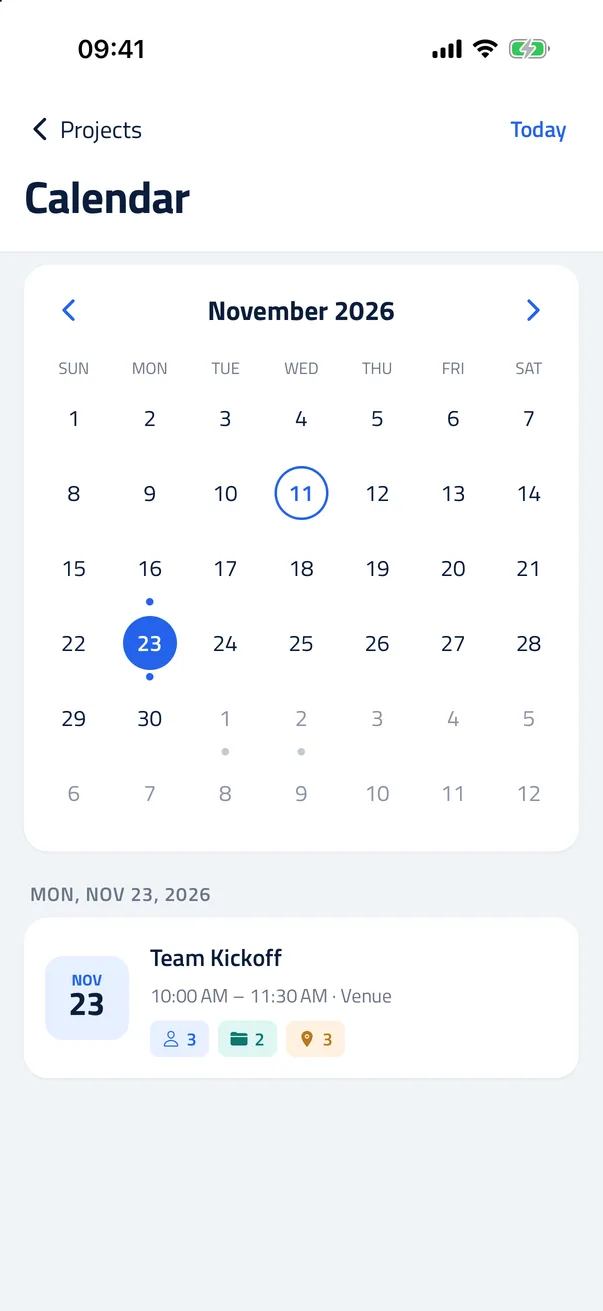
See your projects month by month and add a project to your phone's calendar.
Keep the notes, files and projects behind every connection together in one private place. Stored on your phone, with backups where you choose.

Free on iPhone and Android · No account · No ads
Open the guide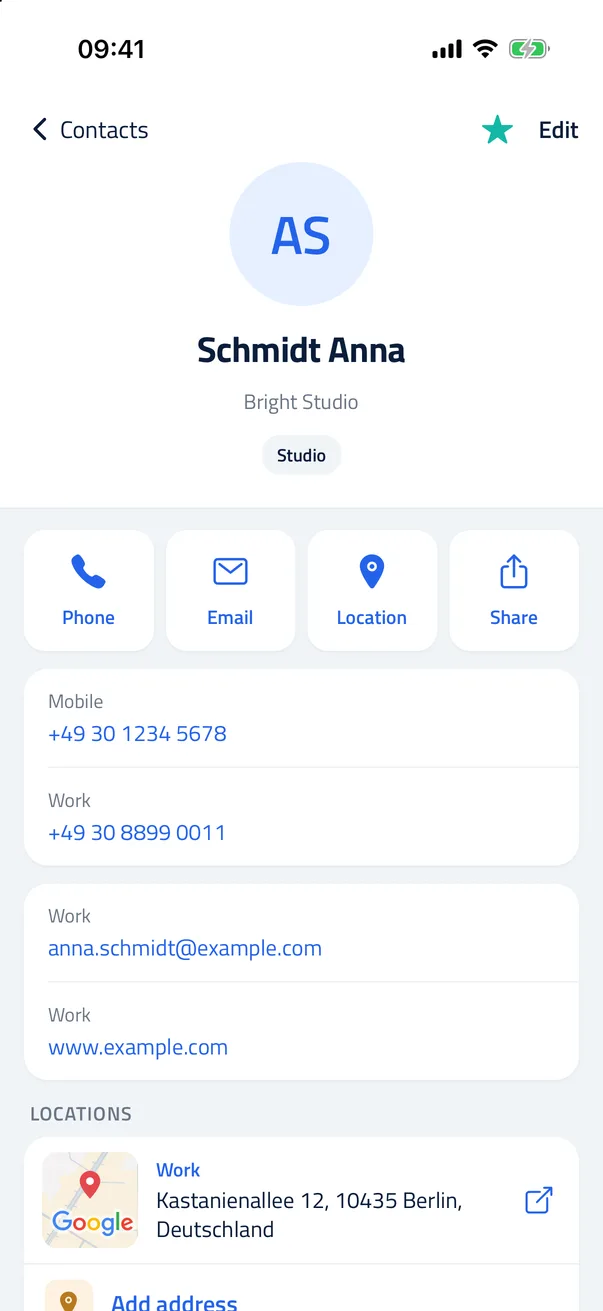
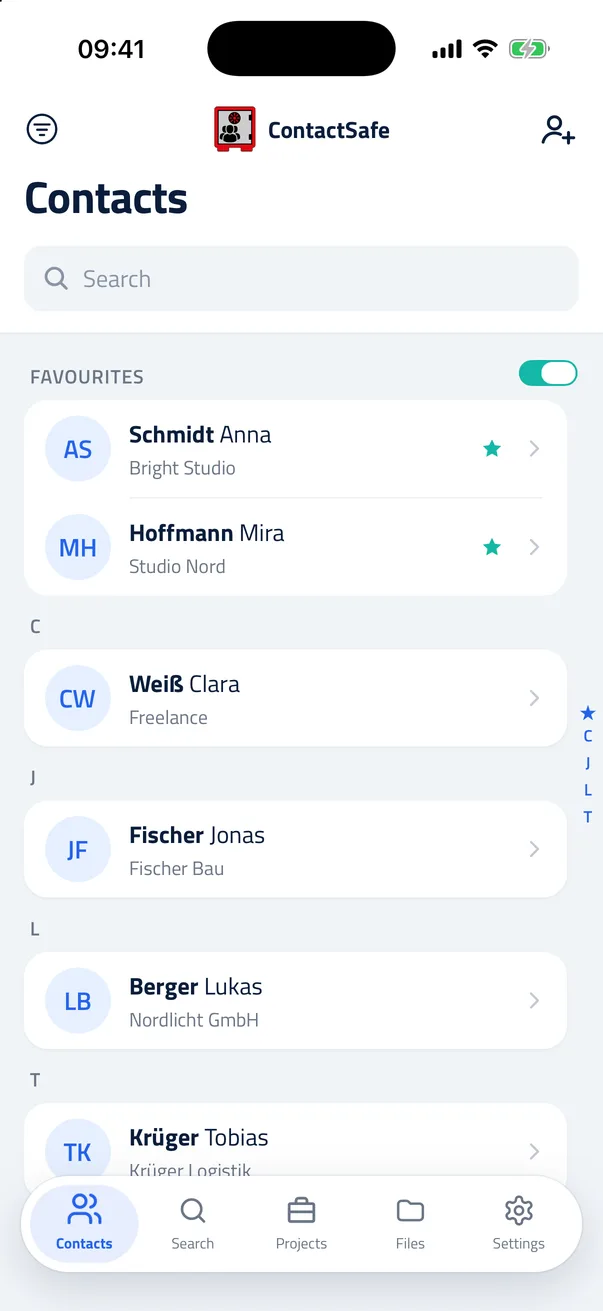
Keep contact details alongside the notes, documents, projects and locations that give them context.
ContactSafe keeps a separate address book. Contacts you add here are not automatically added to your phone’s Contacts app or synced to an Apple or Google account.
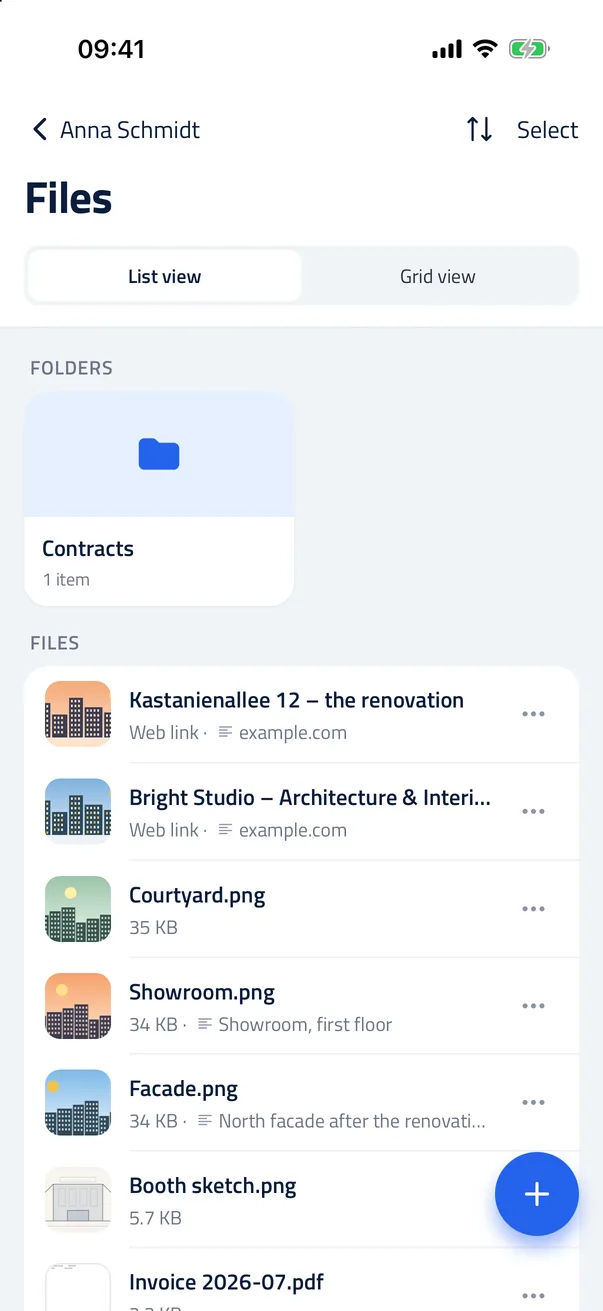
Attach photos, scans and documents to a contact, then organise them into folders.
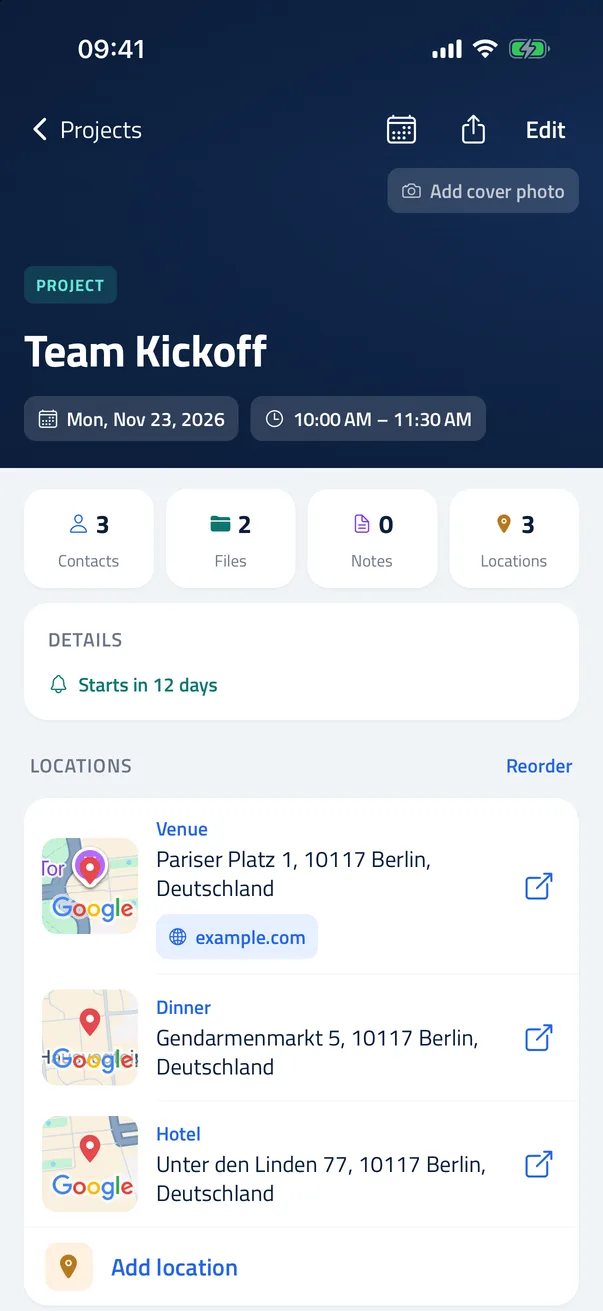
Projects hold the visits, calls and deadlines — with the people, the places and the files that belong to each one.
A fresh look and ten new things. An update keeps all your contacts, files, notes and projects.
See your projects month by month and add a project to your phone's calendar.
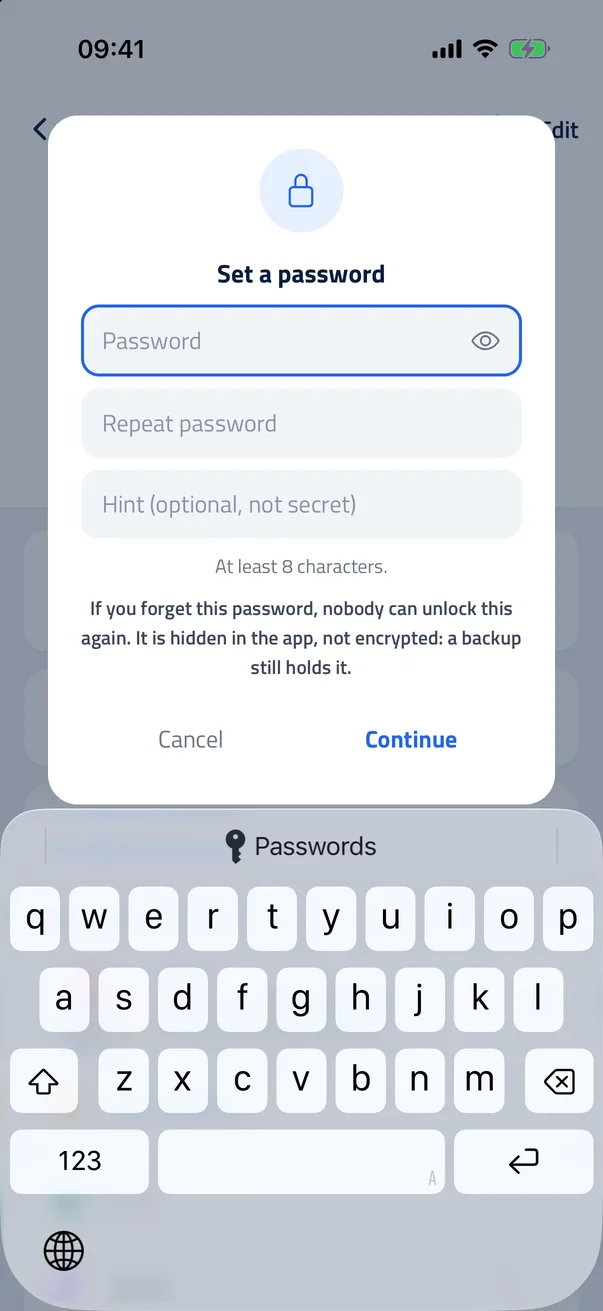
Give a contact, project or group its own password.
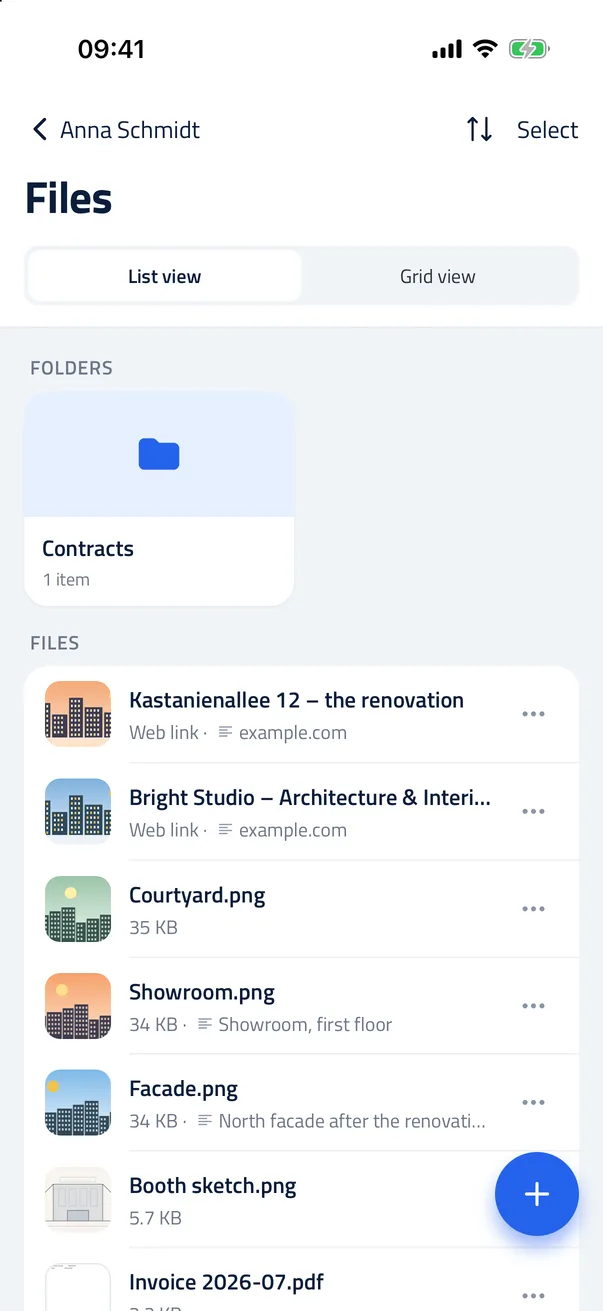
A saved link shows its page's title and picture.
Your contacts, notes, projects and files are stored on your device. ContactSafe has no account or server for this content. You decide what to share or export, and whether to back up to your own cloud storage.
Open the app and start. No sign-up, no email, no login.
Contacts, notes, files, projects, search and local backups work offline. Online maps, address searches and transfers to cloud storage need an internet connection. When you add a web link, its page’s title and picture are fetched from that website.
In your iCloud, your cloud folder or on your phone — never on our servers.
No in-app analytics, advertising or third-party trackers.
Short videos for every feature, one action each.
Recorded in the app itself, with narration and subtitles.
Everything you need to know before you install ContactSafe.
Your contacts, notes, projects and files are stored on your device. ContactSafe has no account or server for this content. You decide what to share or export, and whether to back up to your own cloud storage.
Free on Google Play and the App Store. No subscription, no ads, no in-app purchases.