Skip to content
ContactSafev3.0.0
Release history

What's new in every release

Every update to ContactSafe — newest first.

New in 3.0

Rebuilt from the ground up

A fresh look and ten new things. An update keeps all your contacts, files, notes and projects.

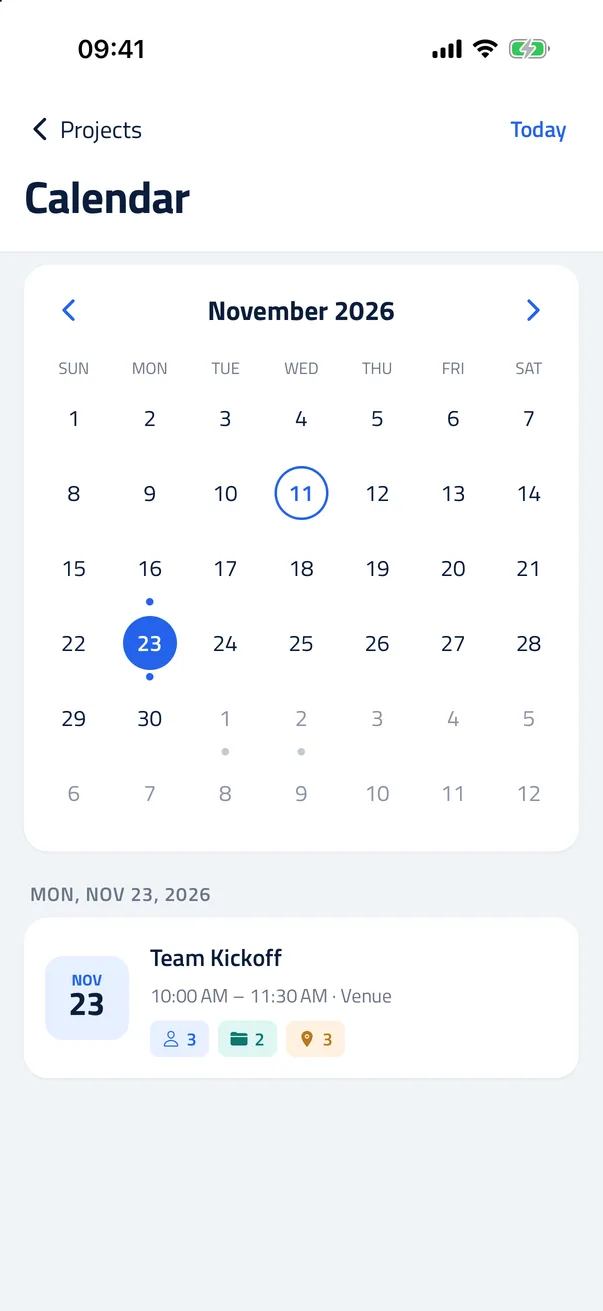
Calendar

See your projects month by month and add a project to your phone's calendar.
ContactSafe screenshot

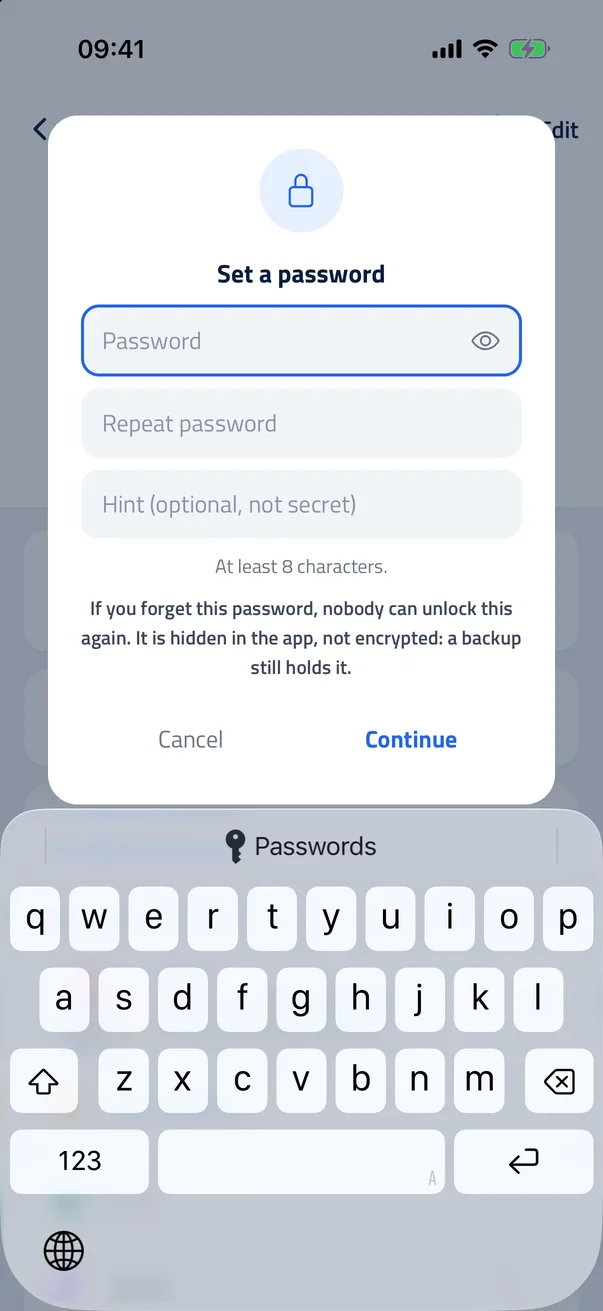
Lock with a password

Give a contact, project or group its own password.
ContactSafe screenshot

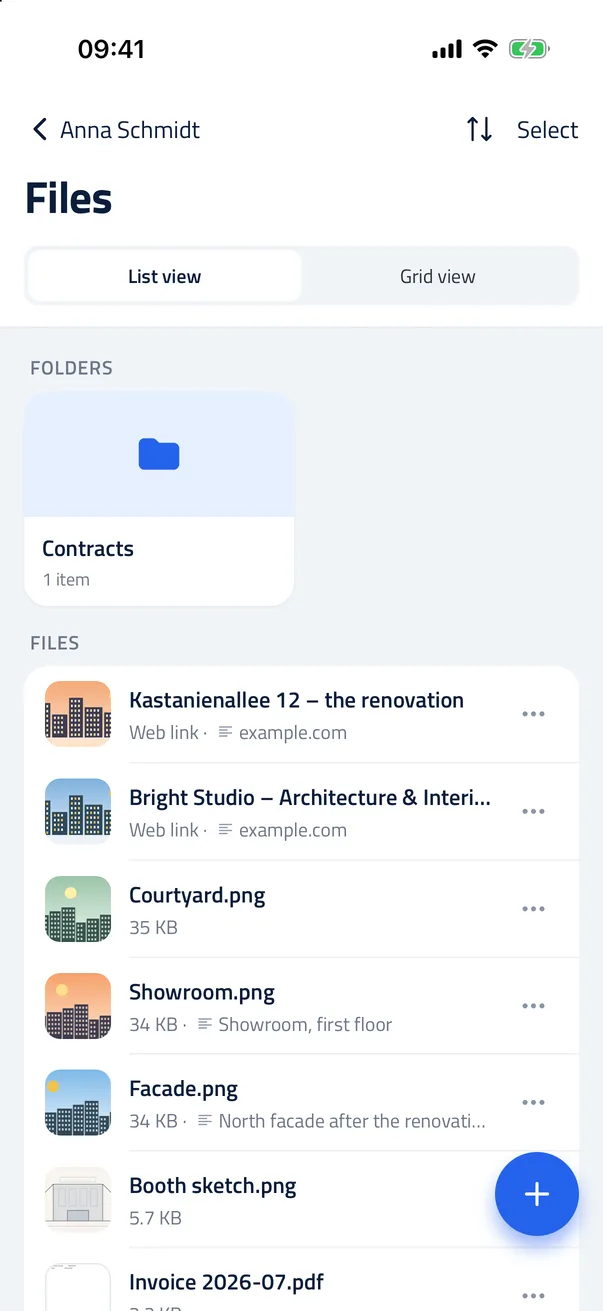
Web links with picture

A saved link shows its page's title and picture.
ContactSafe screenshot
  • Calendar. See your projects month by month and add a project to your phone's calendar. Projects → the calendar button at the top left. Swipe or use the arrows for another month. In a project, tap Add to calendar.
  • Lock with a password. Give a contact, project or group its own password. On its page, tap Lock with password. Once opened, it stays open until the app is closed or locked.
  • Web links with picture. A saved link shows its page's title and picture. Share a page from Safari or Chrome to ContactSafe, or paste a link.
  • Send as one file. Several contacts and projects go out as one ContactSafe file. Settings → Share as ContactSafe file, then pick what to send. The other phone opens it with ContactSafe.
  • Distances. How far apart a project's places are, and how far they are from you. Open a project's places. Allow your location to see the distance from where you are.
  • Drag files into folders. Hold a file and drop it onto a folder. Undo puts it back. Works in Files and in a contact's or project's files. Move to… now finds a folder as you type.
  • Places by name. A place with only a name now opens in maps and shows on the map. Tap the place to open it in your maps app.
  • Text size. A slider like the iPhone's, and all text follows it. Settings → Appearance → Text size.
  • Sharper photos. Photos load faster and stay sharp when you zoom in. Pinch to zoom: scanned pages stay readable up to 5×.
  • A fresh look. A new typeface, a new launch screen and many small refinements. Light, dark or automatic: Settings → Appearance. Your data stays on your phone, as before.

Get ContactSafe

Free on Google Play and the App Store. No subscription, no ads, no in-app purchases.

Download on the App Store
Get it on Google Play